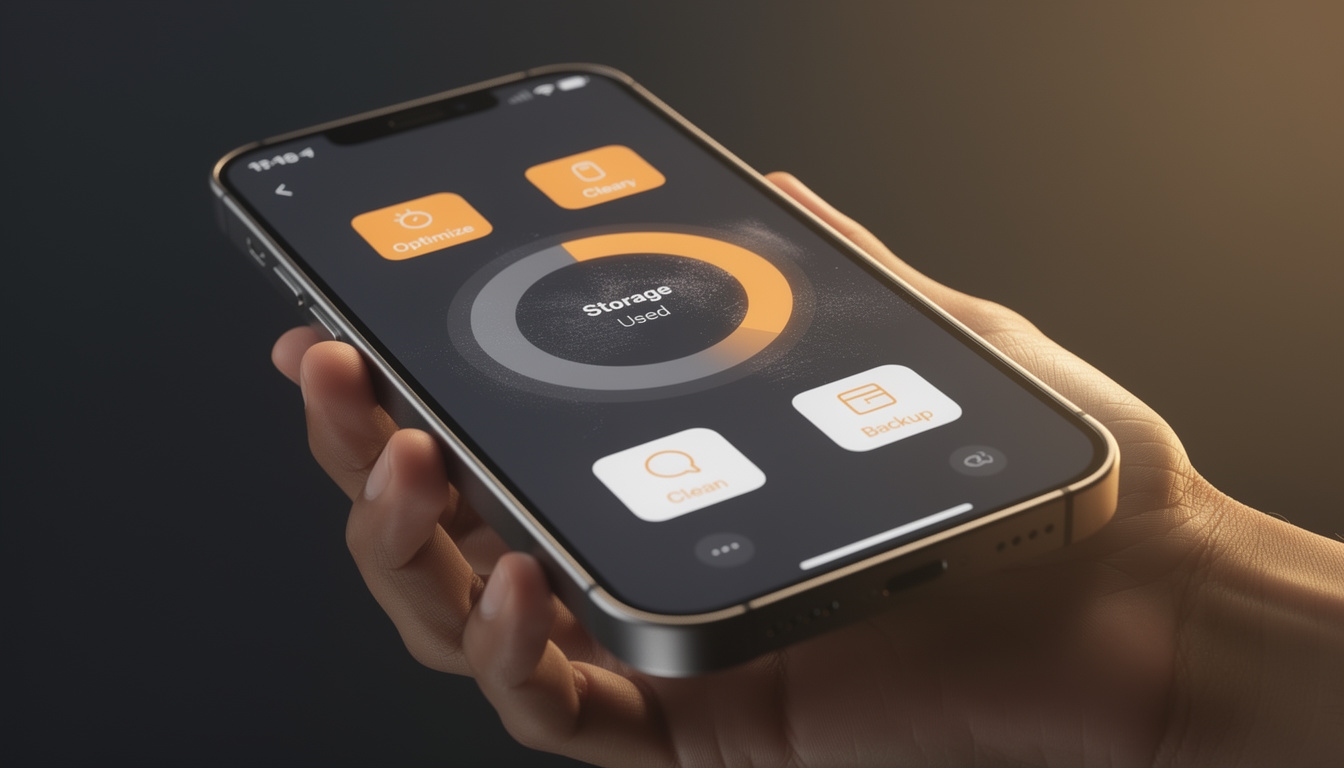
What is this app designed to do?
Cleanup Pro positions itself as a multi-function storage and performance tool for iPhone. Rather than addressing one specific problem, it targets several common sources of iPhone clutter within a single application. The premise is that users should not need multiple separate apps to handle duplicates, contacts, videos, and system monitoring.
The app was developed by Space Node and is available through Apple's App Store. It requires iOS 17.6 or newer, which means it is oriented toward relatively current devices and operating system versions.
Duplicate Photo Detection
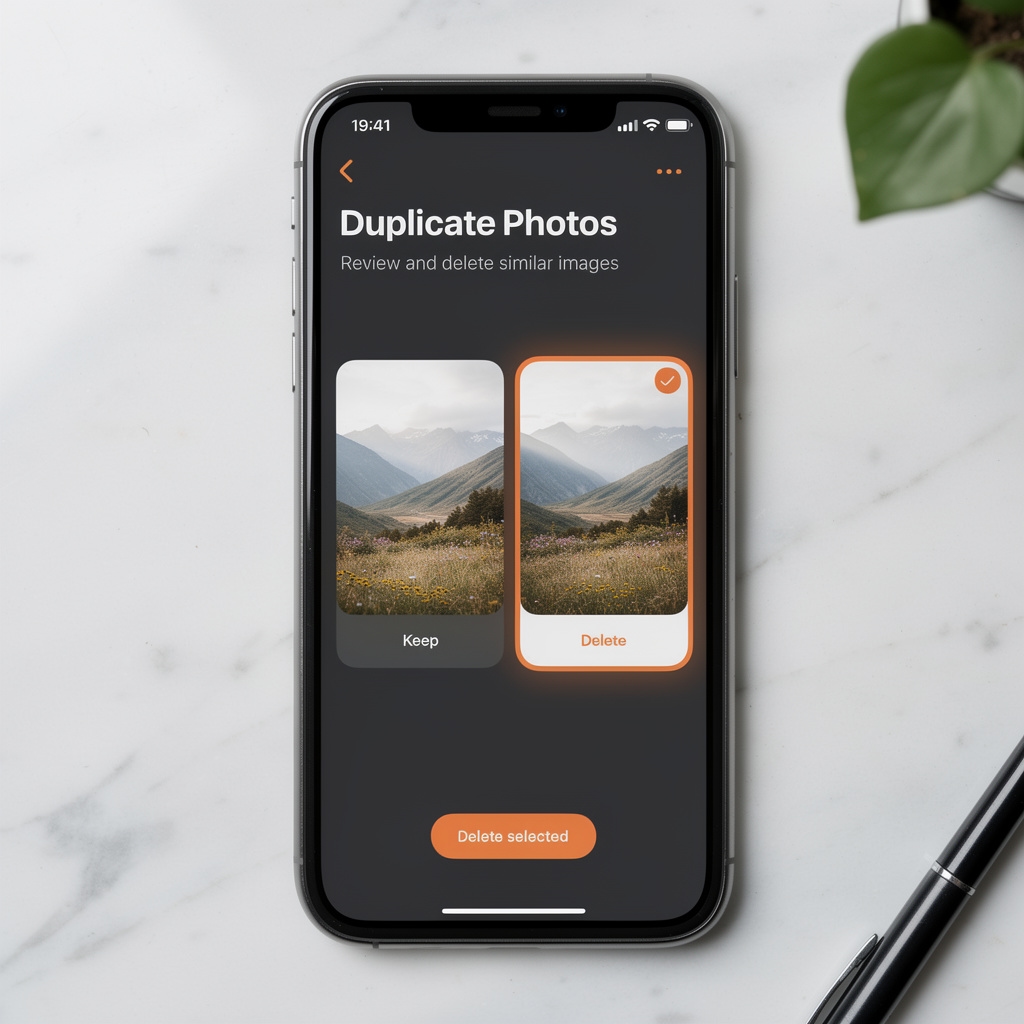
How does the duplicate finder work? The app scans your photo library and applies visual analysis to identify images that appear identical or very similar. This is distinct from simply matching file names or sizes.
The practical value here is that many iPhone users accumulate near-identical photos without realizing it. Editing an image and saving a copy, downloading the same image twice, or syncing across devices can all create duplicates that are difficult to spot manually when scrolling through a large library.
The app groups these duplicates for review, allowing you to compare them before deciding which to delete. This is a user-controlled process; the app presents candidates but does not delete anything without confirmation.
Burst Mode Photo Handling
What makes burst photos different from regular duplicates? Burst mode captures a rapid sequence of frames in a fraction of a second. These frames are similar but not identical, and they are stored separately in your library. A single burst session can generate dozens of images when you only intended to keep one or two.
Cleanup Pro specifically identifies burst sequences and presents them as groups. This allows you to select your preferred shot from each burst and discard the rest efficiently, rather than reviewing each frame individually in your camera roll.
Screenshot and Video Management
Screenshots are a distinct category of storage consumer. They are often taken for immediate reference and forgotten afterward. Cleanup Pro separates screenshots from the rest of your photo library, making it easy to review and clear them in bulk.
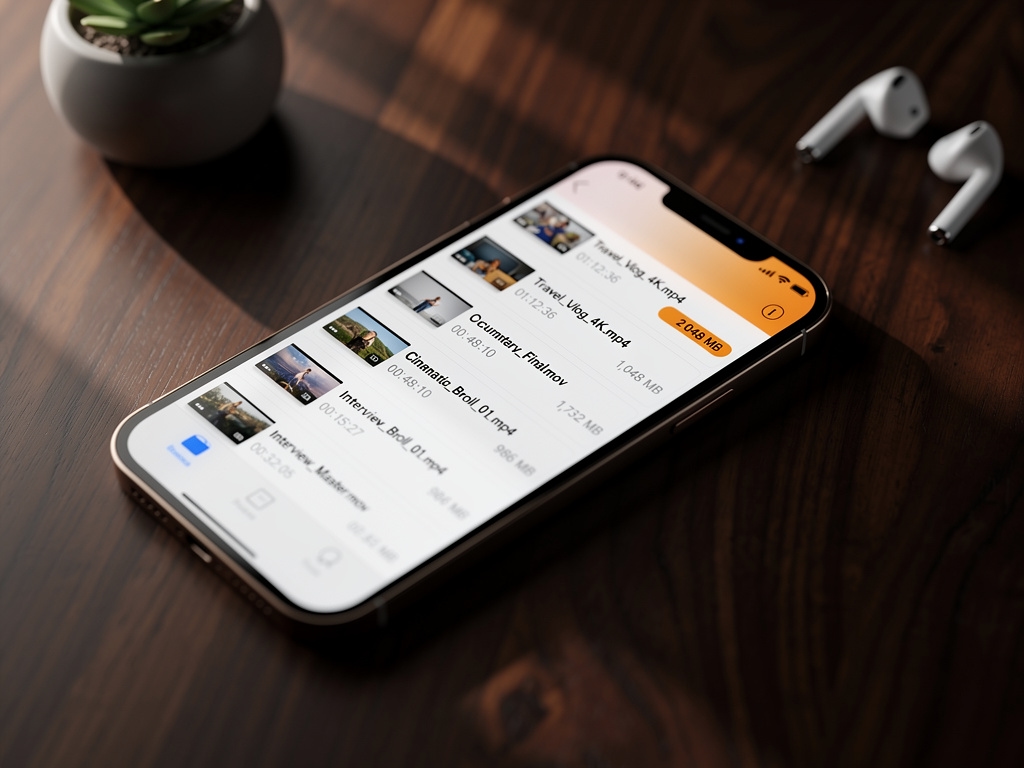
For video files, the app takes a size-based approach. It surfaces your largest video files sorted by size, which is typically the most direct way to identify what is consuming the most storage. This does not require any complex analysis; it simply presents information that iOS does not make easily accessible in its default interface.
Contact Management
Why do contacts become duplicated? The most common cause is syncing across multiple services. If your contacts sync from iCloud, Google, and a third-party app simultaneously, the same person can appear multiple times with slightly different information in each entry.
Cleanup Pro scans your contacts for duplicates and offers a merge function. This consolidates multiple entries for the same person into one record. The merge process can be reviewed before confirmation, so you can verify that the resulting contact contains the information you want to keep.
Real-Time System Monitor
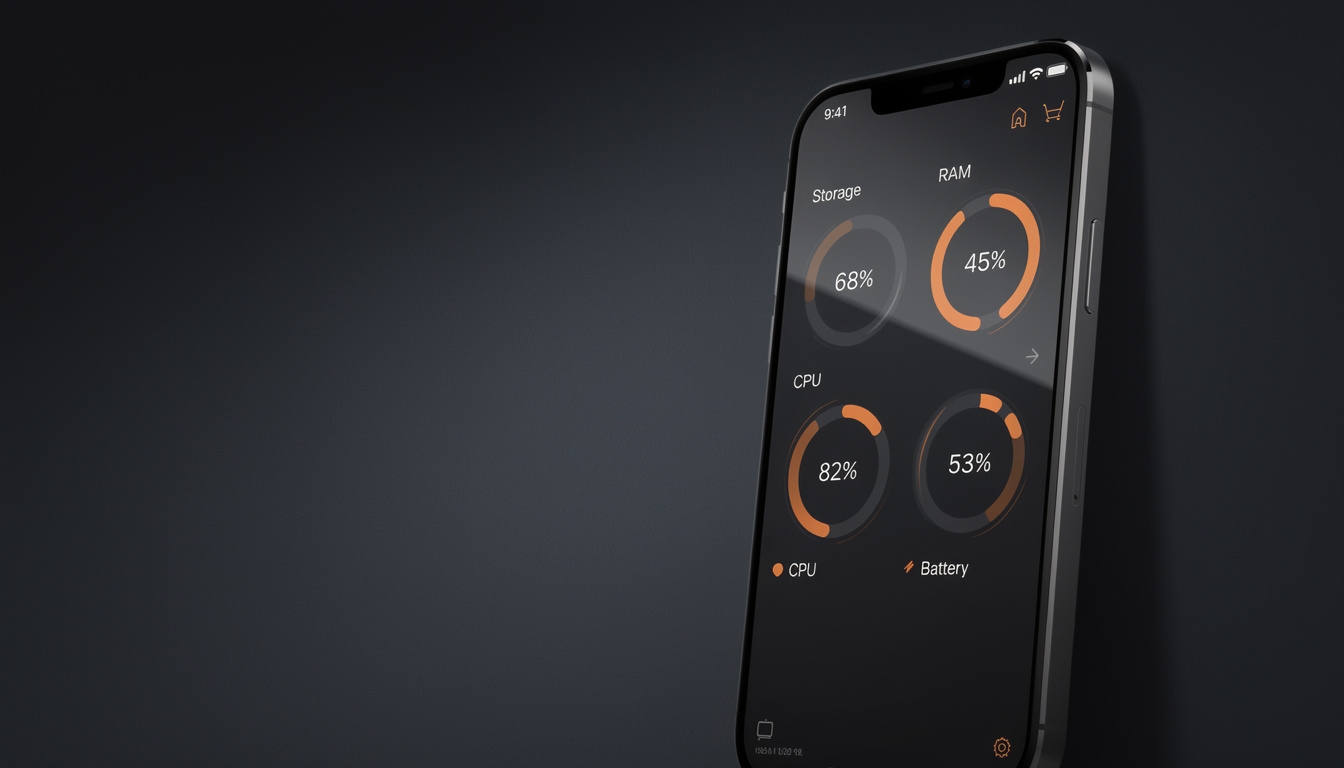
The system monitor is a passive information tool. It displays current readings for storage availability, RAM usage, CPU load, and battery status. These figures update in real time while the app is open.
This feature does not modify anything on your device. It simply surfaces data that iOS already tracks internally, presented in a more accessible format than the default settings interface provides. Users who want to understand how their device is performing at a given moment will find this useful. It is not a performance optimization tool in itself; it is a monitoring tool.
Czech Language Support
The app includes Czech language support as a built-in option. This means the interface, labels, and navigation can be displayed in Czech without any additional configuration beyond setting your iPhone's language preference. For Czech-speaking users, this removes the friction of navigating an English-only interface.
System Requirements
Cleanup Pro requires iOS 17.6 or newer. This means it will not run on older iPhones that cannot update to this version of iOS. Users should verify their device's iOS version before downloading. The iOS version can be checked in Settings under General and then Software Update.
For current pricing, screenshots, and to download the app:
View on the App Store